Affiliate Flow
Product → Video → Listed for sale
Paste the product link, then choose how many videos, which voice, the speed, the music bed and the platforms.
- Product videos in bulk
- AI Voice + Subtitle
- AI Caption
- Auto Publish
Turn a product, an existing video or an idea into finished content and publish it to Shopee, Facebook/Reels automatically — in one workflow.
No switching between tools. No uploading each video by hand.
One campaign, one press. AI Operations finds the source, builds the video, checks it, posts to your Page, measures the numbers and carries the lesson into the next run — every day, without you at the desk.
Included in Full and above · Pre-approve or post straight away, your call
One loop, six steps
Pick your goal, set it up once, and let AutoReel do the rest.
Product → Video → Listed for sale
Paste the product link, then choose how many videos, which voice, the speed, the music bed and the platforms.
Turn a video you already have into something new
Paste a YouTube/TikTok link or upload a file, then tick the processing steps you want.
One source video → Many new videos
The AI reads the original script and rewrites it into as many versions as you ask for.
A product, a URL or a video.
Affiliate, Reup or Review.
AI Content, Video, Voice, Subtitle, Branding, Caption.
Shopee / Facebook / Reels.
Fewer copies, downloads, uploads and repeated manual steps.
Create and process many videos inside one job.
Works with DeepSeek, OpenAI and Google Gemini, whichever you configure.
Several voices, and the workflow runs locally.
Logo, template, text above and below, and subtitles.
Posts straight to Shopee and Facebook/Reels.
Hand over jobs and follow progress from anywhere.
Most of the workflow runs on your own computer.
Sorted by the job in front of you: four end-to-end flows, twelve single-job screens, and the platform underneath all of them.
Paste a Shopee product link and how many videos you want. It reads the product, writes the script, builds the video, writes the caption and posts to Shopee or Facebook.
Hand it a video you already have — a link or a file — and tick the steps you want: cut highlights, remove a logo, dub it, add text. Out comes a new version, then it posts.
Give it one video; the AI reads the spoken words and rewrites them into as many scripts as you ask for. Each script becomes its own video, with a voice and a caption.
Give it one film or several — or a whole series. The app listens to the dialogue, writes a Vietnamese narration, cuts the picture, voices it, adds subtitles and branding; one video per film.
Type a topic, pick a voice, get a vertical video with burned-in subtitles, built from stock footage.
One topic, several videos at once. Footage comes from your library, with a music bed and subtitles.
Keep the picture, replace the sound with a synthetic voice. Several target languages can be chosen in one run.
Hand it a long video and it finds the parts worth keeping, then cuts them into short clips. You can tune what counts as a good part.
Takes a watermark, a channel name or hard-coded subtitles off the picture — painted over, never cropped away.
Pick one of thirteen templates, type the top and bottom lines, and see the frame you will get the moment you choose.
Paste a Shopee link and get back a table of the title, the price and the pictures — with the images downloadable.
Publishes to Shopee with the product attached, through the phone paired with your machine.
Publishes to one Page or many at once, with a caption written for each video.
Paste a YouTube channel link and get back the list of its videos to use as sources.
Hand out work and watch progress from your phone, without opening the computer.
Enter your AI keys, choose the model provider, and test the connection before a real run.
Several videos run at once, every job can be watched, and stopping halfway keeps what is already done.
Several voices and speeds; some run entirely on your machine, so they cost nothing per sentence.
Generated from the spoken words, burned into the picture, with adjustable size and position.
Vietnamese and English, switched in place without reloading the page.
From input → video created and processed → AI caption → auto publish.
Real figures only. No invented testimonials.
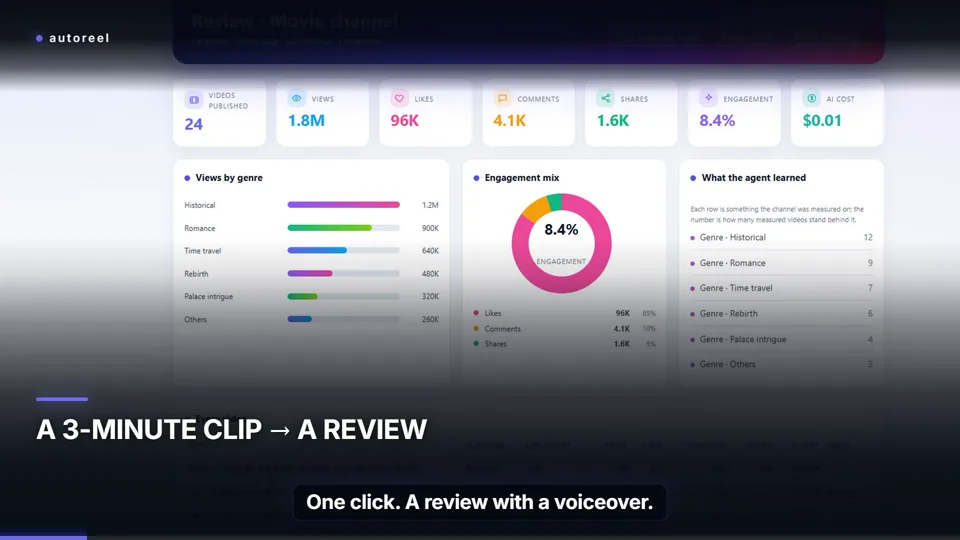
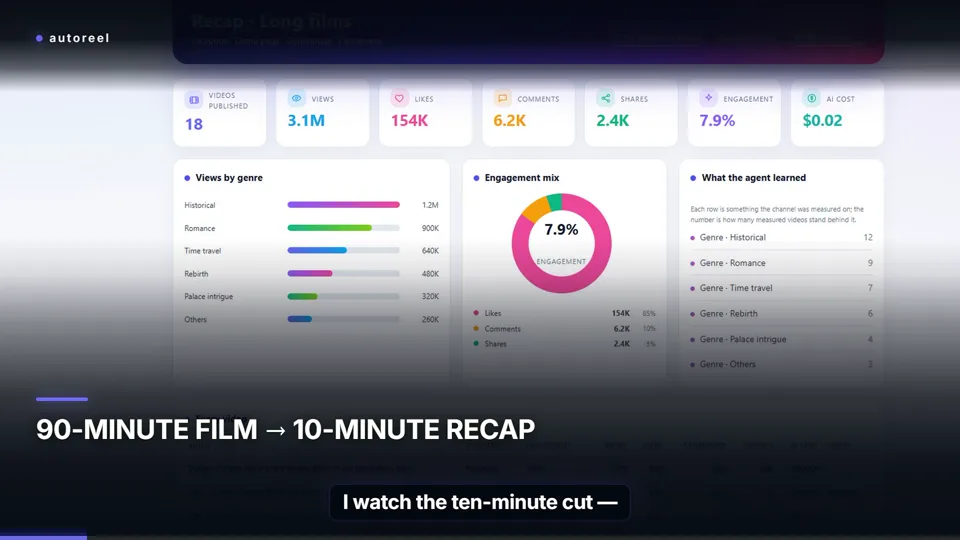
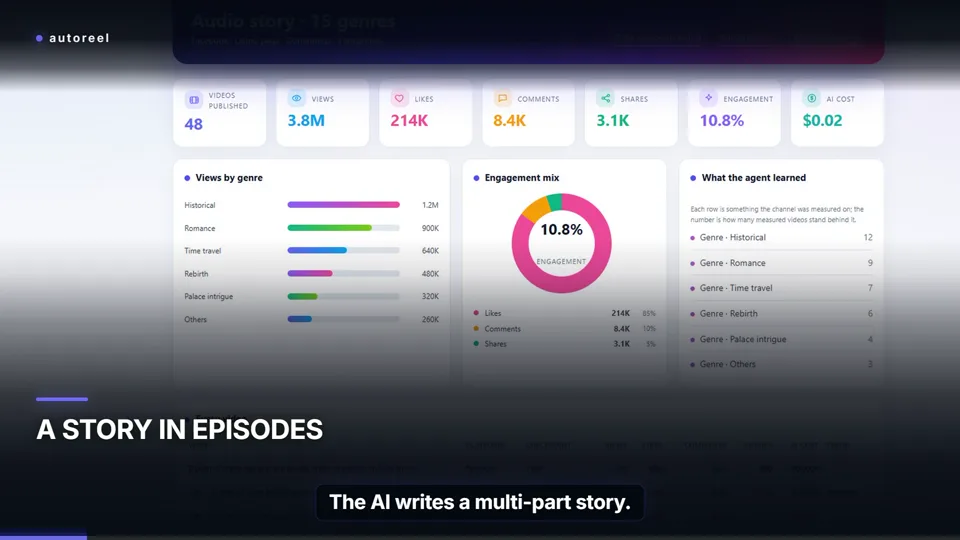
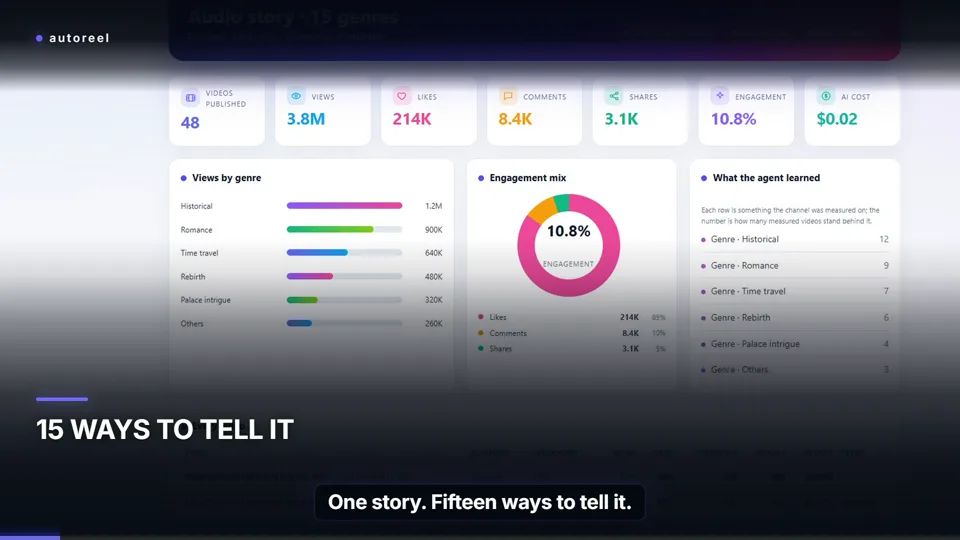
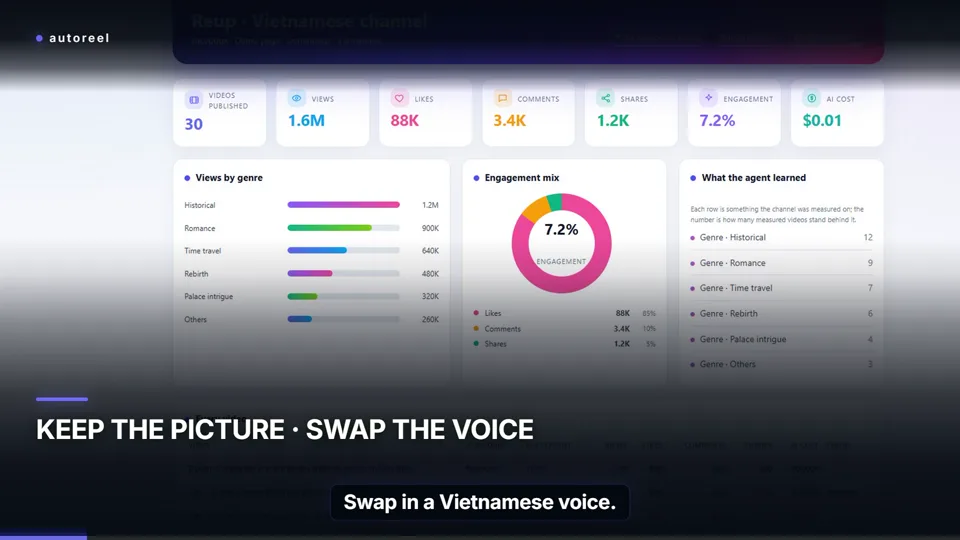
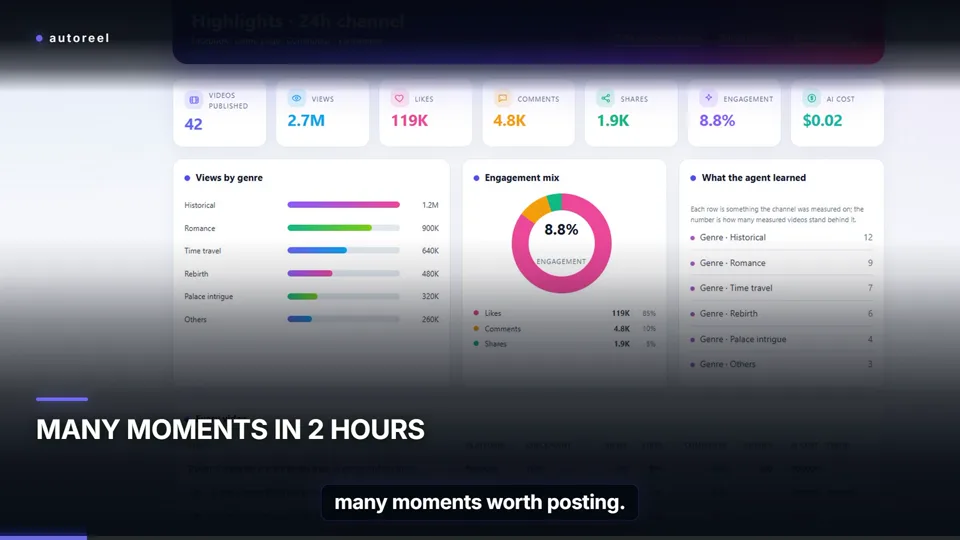
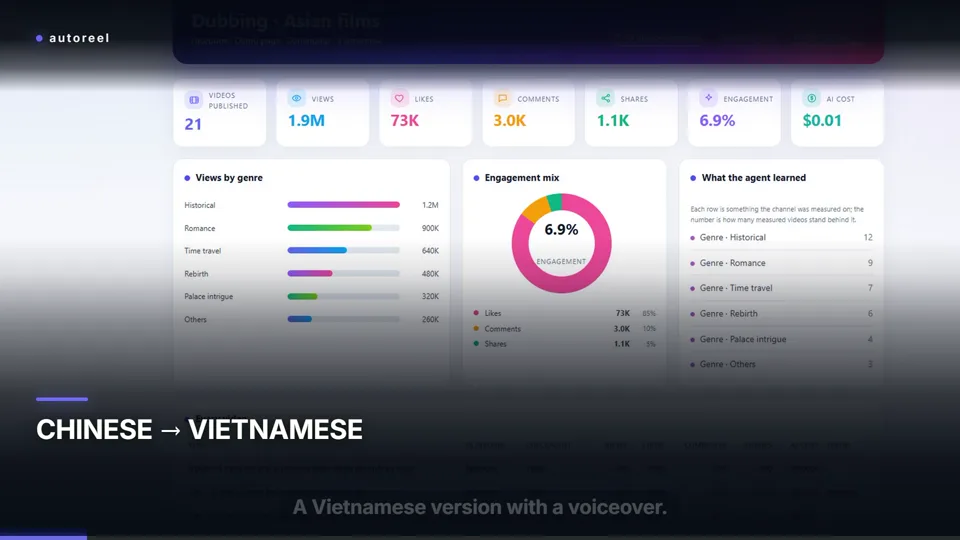
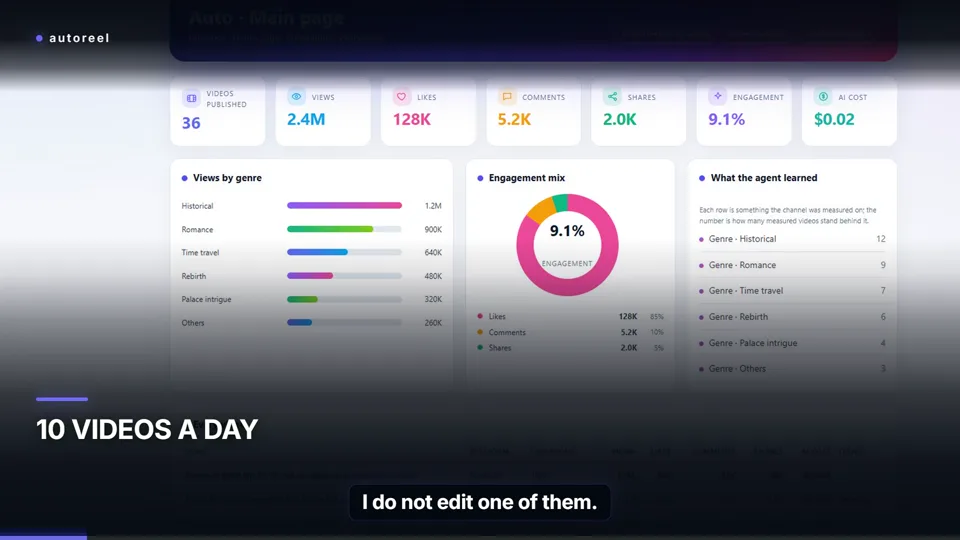
Every mode has its own dashboard: videos published, views, engagement, AI cost and what the agent learned. Captured from the running app; the figures are illustrative, with the DEMO chip in the corner.


A new Page starts at zero. The numbers in these images show the layout and how to read it, not a promised result.
AutoReel does not cap how many videos you make; what differs is which features you get and how many machines you may install on. The current price is on each plan below.
Buy a licence, get the installer
After payment, the success page shows your activation key and the AutoReel-Setup.exe download link with its SHA256. The installer handles Docker.
Read the installation guide →Pay by the month and stop whenever you like. Three months up front costs less.
For anyone who already has footage and only needs to cut and process it.
For people who make their own content — from footage you have, or from an idea.
For sellers: make the video and publish it straight to Shopee and Facebook/Reels.
For a household with two machines — one to edit on, one to publish from — or two people working together.
Pay three months up front to fix the price and stop thinking about renewals.
Save $3.98 against paying monthly
One payment, yours for good — nothing renews and there is no monthly fee.
For individual affiliates and creators.
Against the monthly plans, this pays for itself in 6 months
For content teams, shops and affiliate groups.
Subscriptions renew monthly and can be stopped at any time. Prices are in US dollars; the Vietnamese page shows the đồng price. Any AI/API or third-party service you use is paid separately to that provider.
That depends which you pick. There is a monthly subscription, from $6.99 a month, which you can stop whenever you like; and there is a one-off licence that never renews. Separately, some AI/API or third-party services bill you by usage.
Create → Process → Publish.
Let AutoReel run the video workflow while you focus on the content, the product and the growth.
Zalo / WhatsApp: 0326012999
AutoReel — AI Content Automation Platform
Create. Process. Publish. Automate.