
A dashboard is not a scoreboard
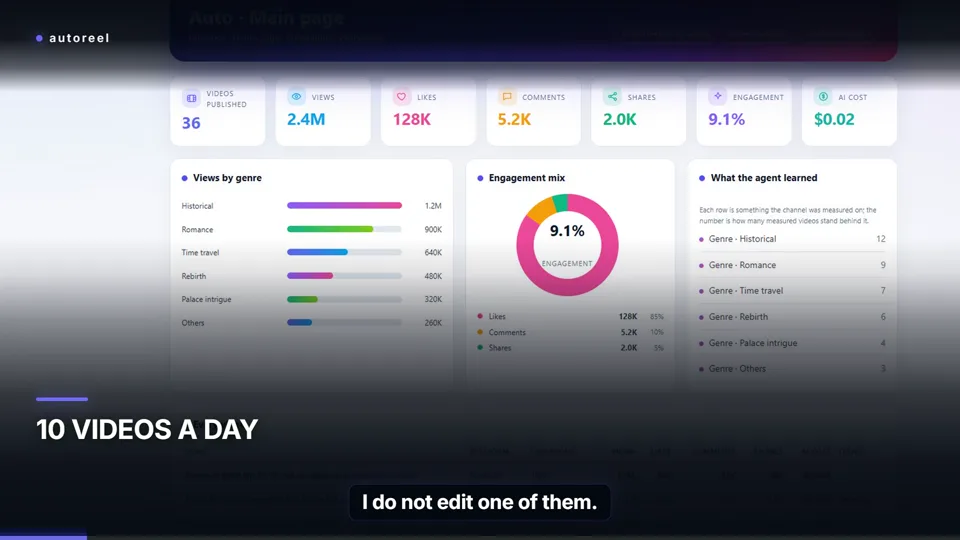
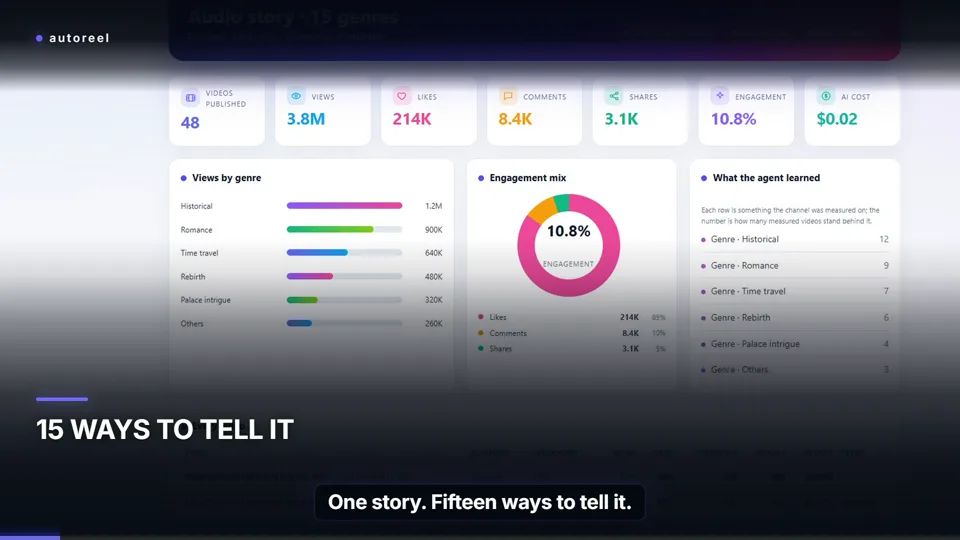
A total says nothing without knowing where it came from. One video at two million views may be luck; ten videos in the same genre rising together is a signal. The dashboard is arranged so you see the second one.
So do not read the top row and leave. Read the columns, read the direction, and read what the agent learned.
Three columns to read first
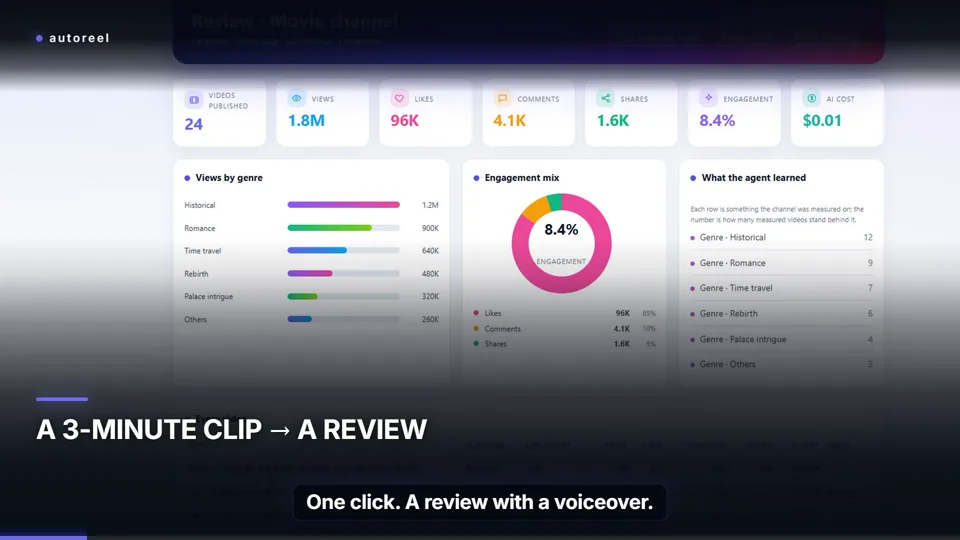
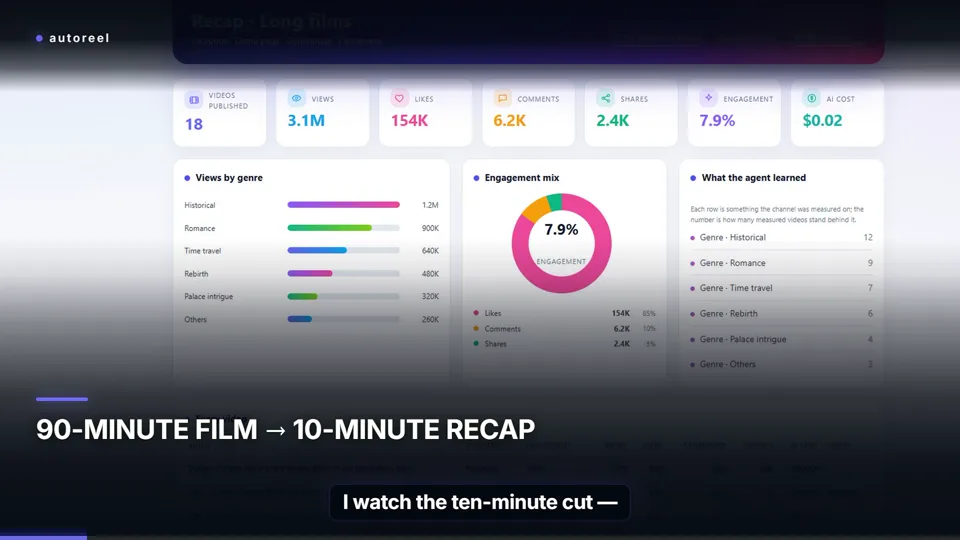
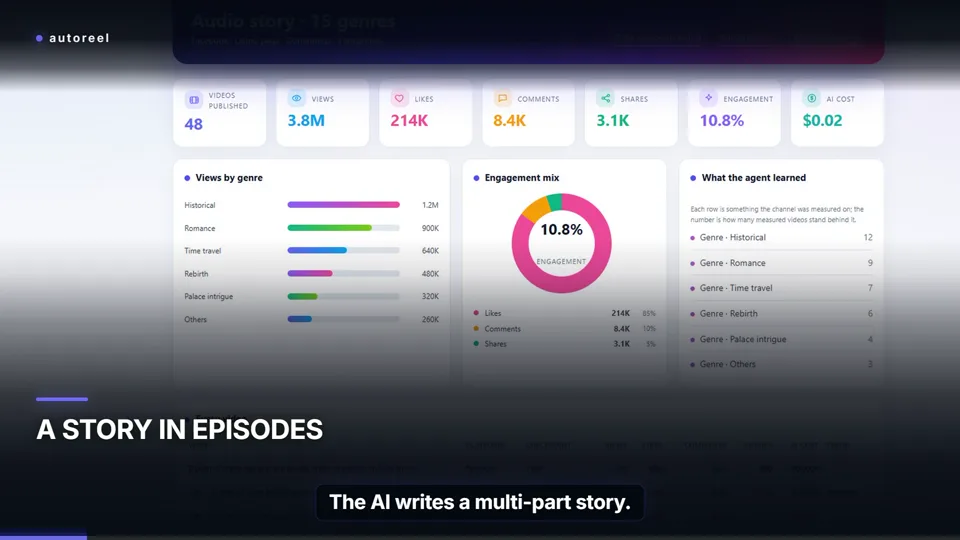
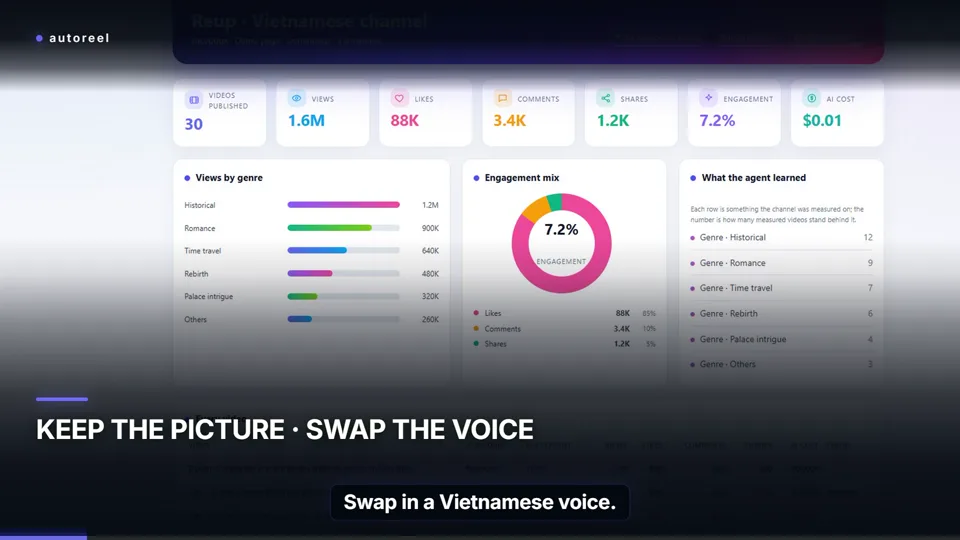
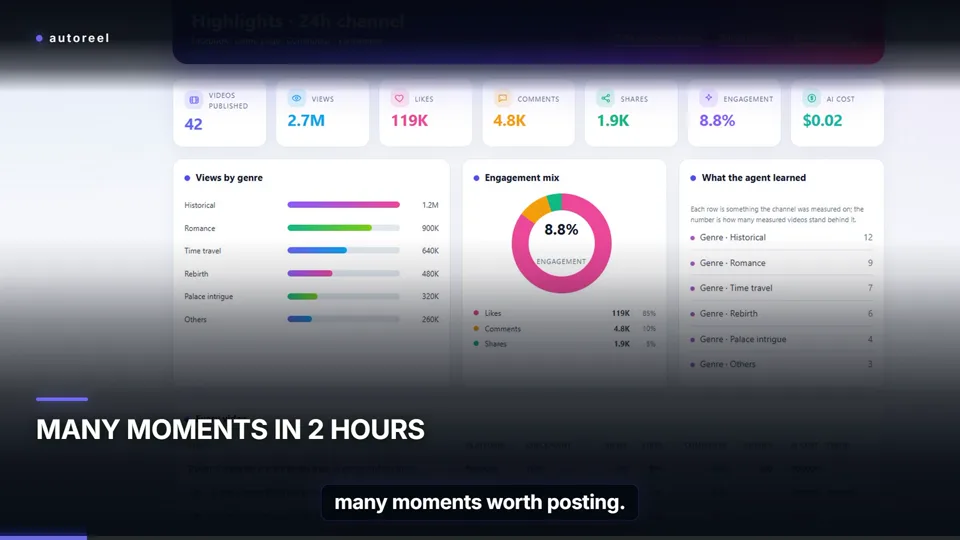
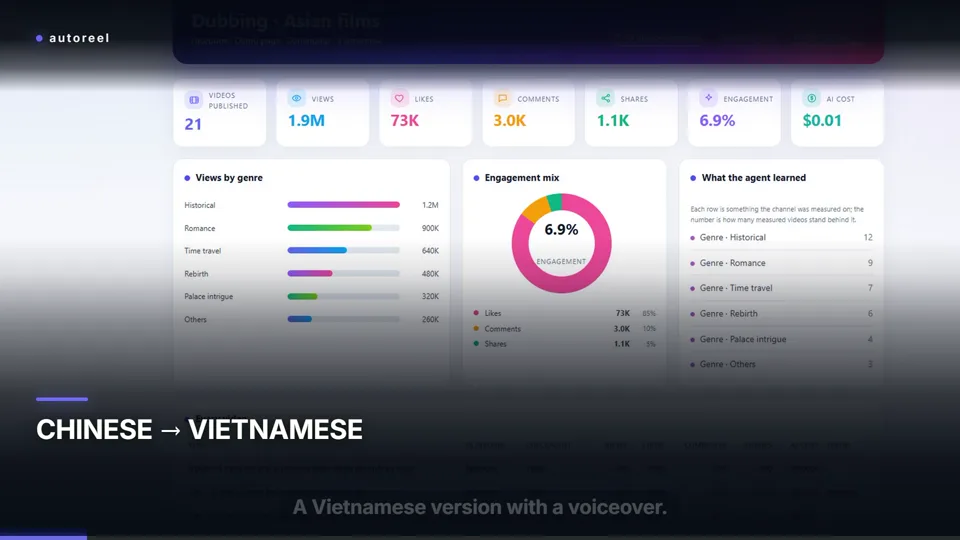
- Views by genre — which genre is pulling viewers, not which single video is.
- Engagement mix — many likes and few shares means the content stopped at the eyes and did not travel.
- What the agent learned — each line is something the system measured; this is what shapes the next run.
- AI cost — a small column, but it tells you what each video costs.
Eight modes, eight dashboards
Every mode has its own dashboard because every mode measures a different kind of content. The images below come from the running app; the figures are illustrative and the DEMO chip is in the corner — not a promised result.
Read the dashboard after 24 hours
Wait a full 24 hours before drawing a conclusion. Compare videos within one mode at the same checkpoint. Do not compare a 24-hour video with a 7-day one, and do not compare modes against each other in the first week.
What the dashboard does not say
It does not say whether the content fits the audience, whether you have the right to use the source, or whether a video was flagged. Those three questions are still yours.
Frequently asked questions
Are the numbers on the dashboard real?
The images in this article are illustrative and carry the DEMO chip. Your dashboard only shows numbers measured from your Page; a new Page starts at zero.
How soon does the dashboard have numbers?
The first checkpoint is after one hour, but wait 24 hours before comparing.
Can I see a dashboard for each mode?
Yes. Every mode has its own dashboard, opened from the campaign detail screen.
Automate the repetitive part
AutoReel does most of what these articles describe: reads the product, writes the script, builds the video, then publishes it to Shopee Video and Facebook/Reels. Rent it from $6.99 a month, or buy it once and keep it.